
Download Swipes – task management, to-do list, productivity app, task organizer, reminder tool, daily planner, task tracker, task list, workflow management, task app
Overview
Swipes is a task management tool designed to streamline daily productivity by simplifying the process of creating and organizing to-do lists. It addresses the common frustration of spending more time planning tasks than completing them, offering a focused approach to workflow management. The app targets individuals seeking a clean, intuitive way to manage personal and professional responsibilities, particularly those who value mobile-first productivity solutions.
Originally launched on iOS and later expanded to Android, Swipes positions itself as a modern alternative to traditional task organizers like Wunderlist and Any.do. Its core purpose is to reduce friction in task creation and execution through a gesture-driven interface. Real-world usage scenarios include managing daily routines, tracking project milestones, organizing personal errands, and coordinating team tasks.
The app supports integration with a web app, enabling users to continue their workflow across devices. Additionally, its connection with Evernote allows for enriched task details, enhancing contextual productivity. The developer, Swipes Inc., has focused on usability and visual clarity, aiming to deliver a seamless experience across mobile platforms.
Key Features & Capabilities
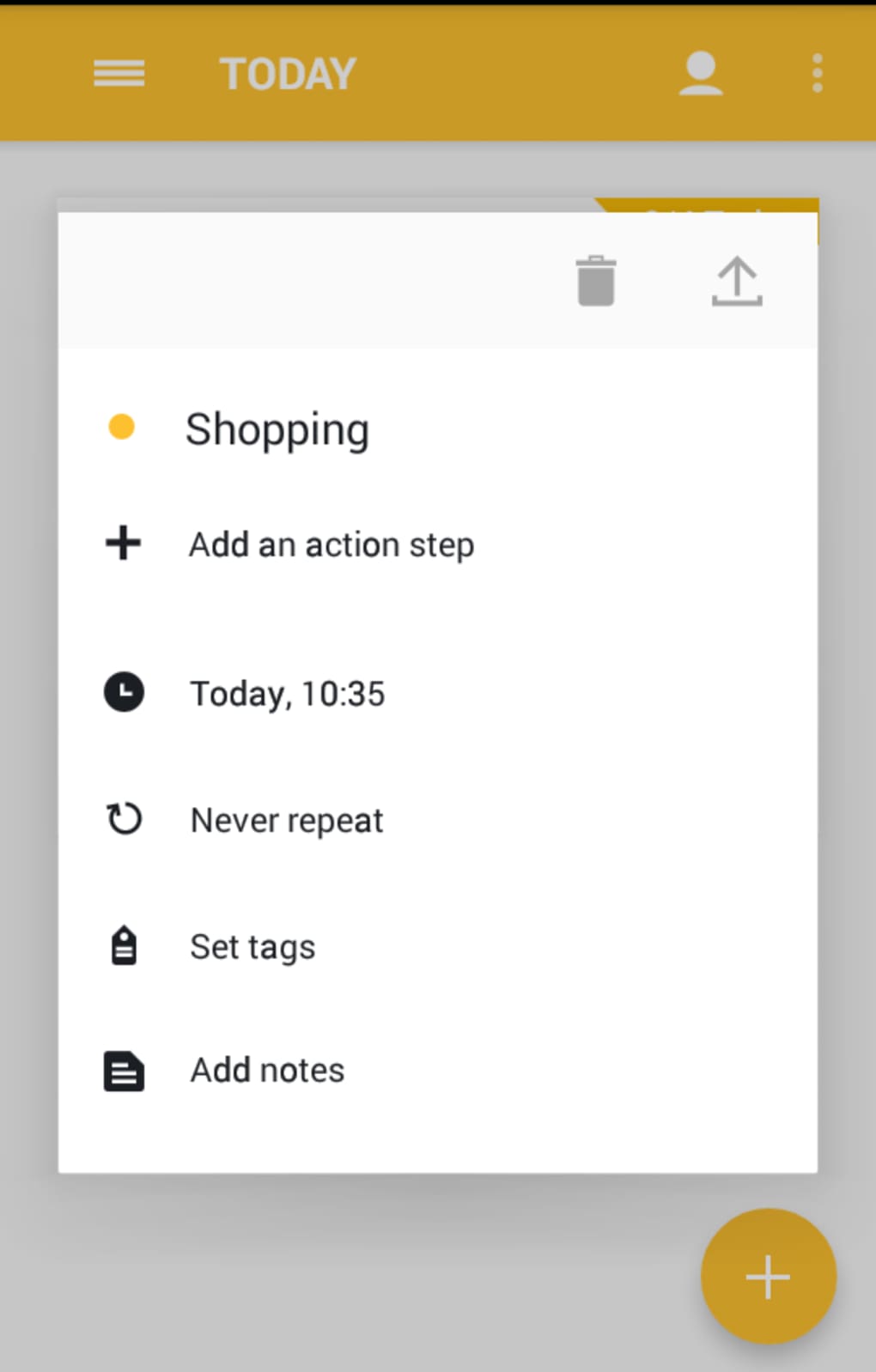
- Task Creation with Customization – Users can add tasks with one tap, assign reminder times, break tasks into sub-steps, set recurrence, and add notes or tags.
- Customizable Tags and Workspaces – Tags can be fully customized to create dedicated workspaces, helping users segment tasks by project, priority, or category.
- Evernote Integration – Tasks can be linked to Evernote notes, with the full content of the note visible within the app for contextual reference.
- Multi-Platform Access – A web app companion allows users to access and manage tasks from desktop environments, supporting continuous workflow.
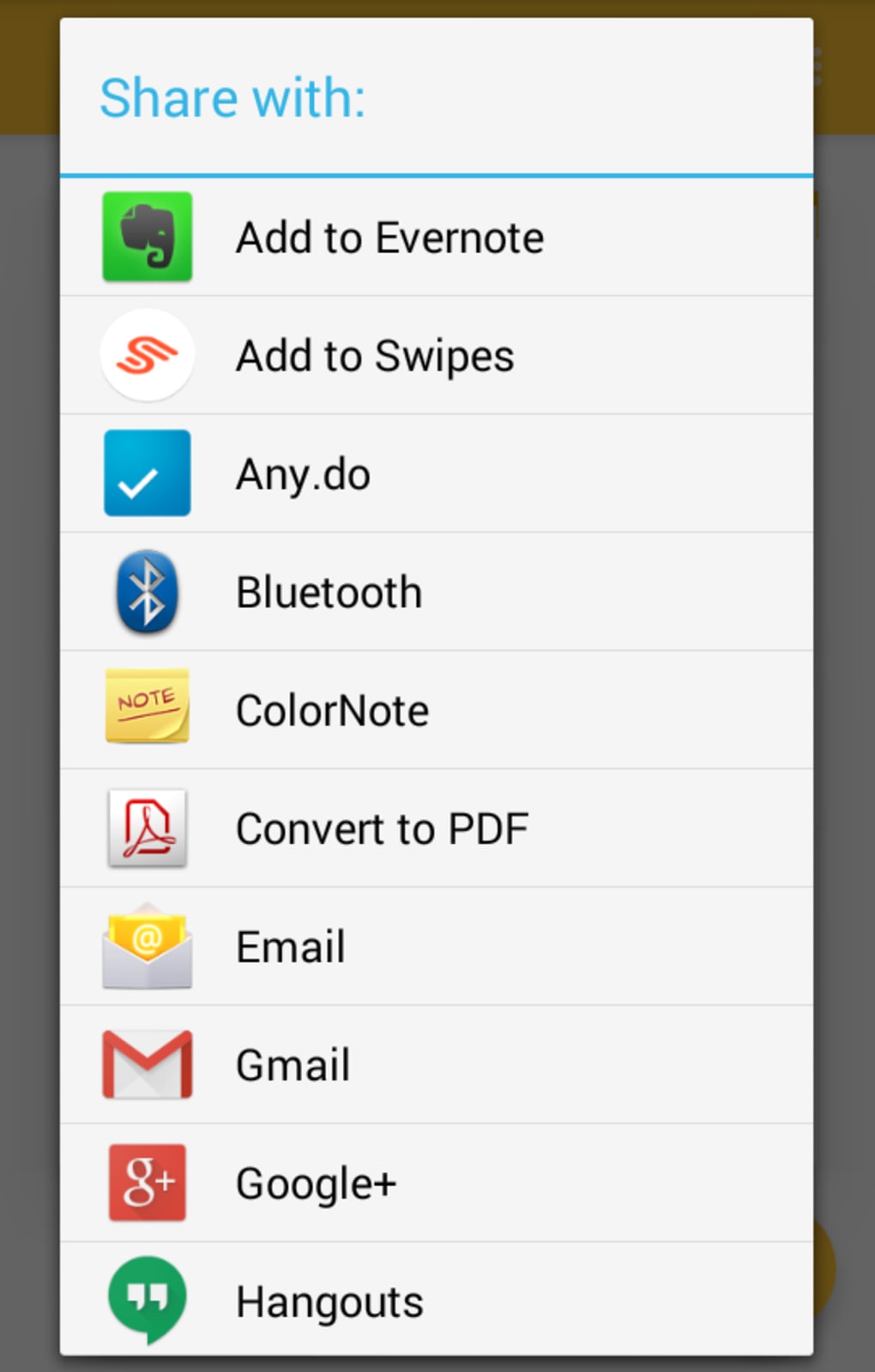
- Shareable Tasks – Tasks can be shared via email or social media platforms, facilitating collaboration and task delegation.
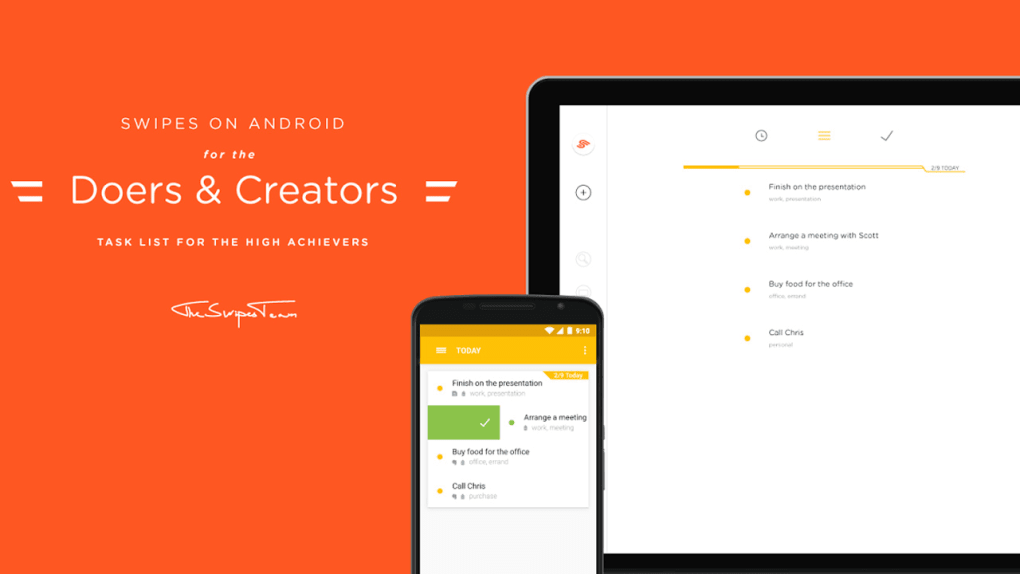
- Gesture-Based Navigation – Swiping left or right is central to the interface, used both for navigating between task lists (Today, Later, Completed) and reacting to tasks (left to reschedule, right to mark as done).
These features enable users to manage complex workflows efficiently. For example, a project manager can create a task with multiple sub-steps, assign it a recurring schedule, tag it as “Project Alpha,” and link it to an Evernote document containing meeting notes. The gesture-based system allows quick task completion without navigating through menus. However, the app does not include calendar sync, location-based reminders, or pop-up alerts, which may limit its utility for users requiring advanced scheduling tools.
User Interface, Workflow & Performance
Swipes features a clean, visually appealing user interface that emphasizes simplicity and intuitive navigation. The layout organizes tasks into three primary sections: Today, Later, and Completed, accessible via horizontal swiping. This design promotes focus on immediate priorities while maintaining easy access to pending and finished tasks.
Navigation is gesture-driven, with swiping being the primary interaction method for both movement and task management. While this enhances speed and fluidity, it may require an initial learning curve, especially for users unfamiliar with gesture-based systems. The app’s workflow is designed to minimize steps between task creation and completion, aligning with the goal of reducing cognitive load.
Performance observations are based on general software behavior patterns; the app operates smoothly on supported devices. The developer did not specify resource usage details, so CPU and RAM behavior remain unknown. Stability appears consistent across platforms, though no public benchmarks were provided.
Overall, the interface supports efficient task handling, though users may need time to adapt to the gesture-centric model.
Compatibility & System Requirements
Swipes is available on iOS and Android platforms, with version 1.2.3 and a file size of 45.6 MB. The app supports both mobile operating systems, allowing users to access it on smartphones and tablets. The developer did not provide additional system requirements, so exact hardware specifications or minimum OS versions are not available.
Compatibility information was partially provided, indicating that the software is designed for mobile environments. Installation is straightforward, and the app functions as a standalone desktop application when accessed via the web app. No additional dependencies were mentioned.
Users should ensure their devices meet the standard requirements for running modern mobile applications. The lack of detailed system information may affect users with older or less common devices.
Pros and Cons
Pros
- Intuitive gesture-based interface enhances task management speed.
- Customizable tags and workspaces support organized workflow management.
- Evernote integration adds contextual depth to tasks.
- Web app enables cross-device productivity.
- Minimalist design promotes focus and reduces distractions.
Cons
- Limited to mobile platforms; no native desktop application.
- Lacks calendar integration and location-based reminders.
- No pop-up alerts or in-app notifications for scheduled tasks.
- Learning curve due to gesture-centric navigation.
- Premium features require a $3.99 in-app purchase.
FAQ Section
Is Swipes available for Windows or Mac?
Swipes is currently available on iOS and Android. A web app version is accessible from desktop browsers, but there is no native desktop application for Windows or Mac.
Is Swipes safe to download and use?
Swipes is developed by Swipes Inc. and distributed through official app stores. It does not contain known malware. Users should download the app only from trusted sources to ensure security.
Does Swipes offer free features?
Yes, Swipes is free to download with basic functionality. A $3.99 in-app purchase unlocks premium features, including advanced task management tools and enhanced integrations.
Can I use Swipes offline?
Yes, Swipes supports offline usage. Tasks can be created, edited, and completed without an internet connection. Changes sync when connectivity is restored.
How often does Swipes update?
The app receives updates to improve performance and add features. The latest version, 1.2.3, was released on March 15, 2024. Users are encouraged to keep the app updated for optimal experience.
Final Thoughts
Swipes delivers a focused, user-friendly approach to task management with a distinctive gesture-driven interface. While it lacks some advanced features like calendar sync and pop-up reminders, its clean design, Evernote integration, and web app access make it a strong contender in the productivity app space. The app excels in usability and workflow efficiency, particularly for users who prefer mobile-first tools.
It is best suited for individuals managing daily tasks, personal projects, or light team coordination. Although the premium upgrade is required for full functionality, the core experience remains valuable. For those seeking a simple yet effective to-do list app with a modern interface, Swipes offers a compelling solution.
Download Swipes now.





.png)

